
Add a client company
Create the company in CRM, then set up that customer in the client portal.
Applies to Owner Admin Technician
A client company is a CRM company. Create it before you turn on a portal for them. Staff who can use CRM can create a company. Setting up the portal is a separate step for owners and admins.
Create the company#
- Open CRM, then Companies.
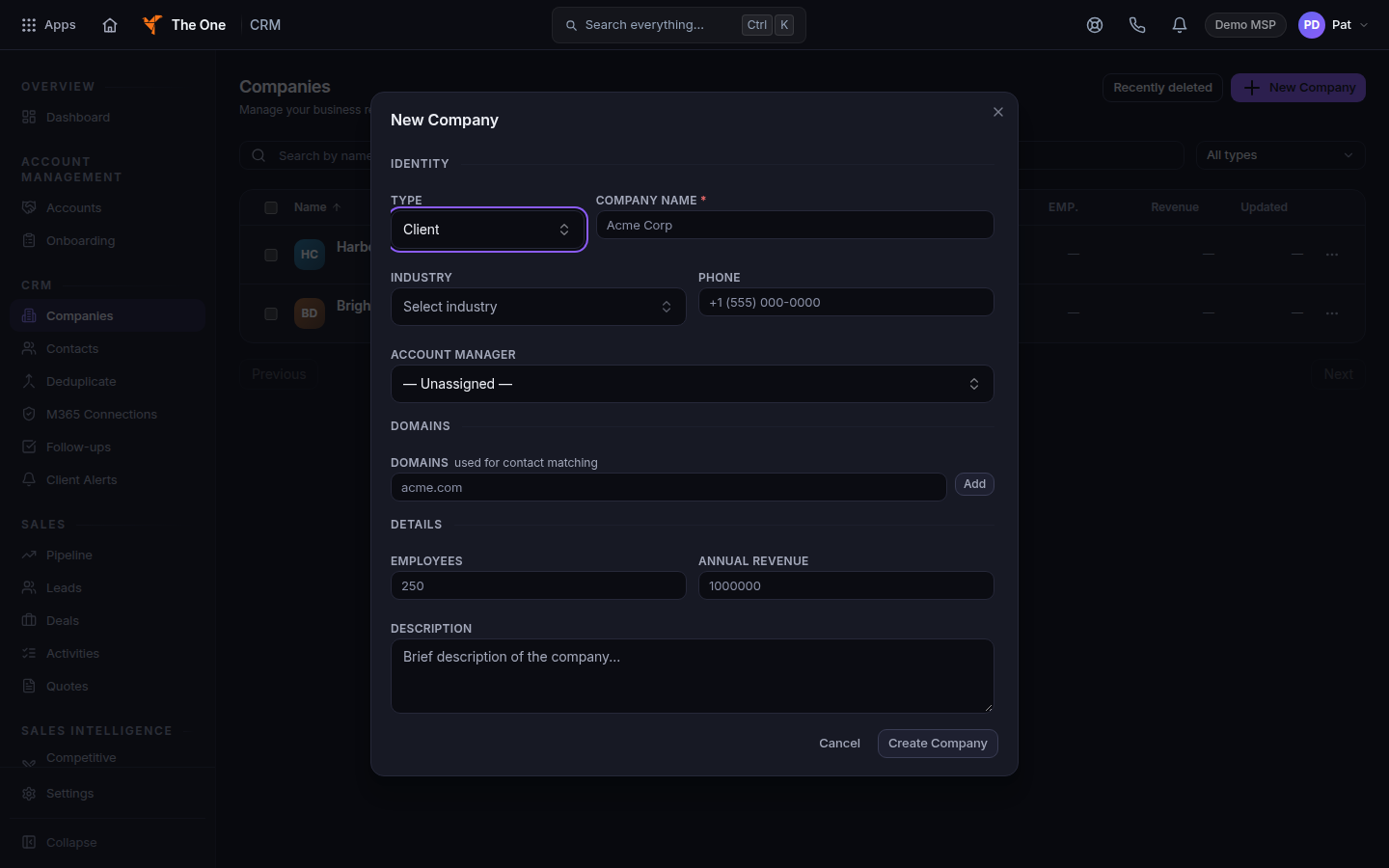
Companies, with New Company - Choose New Company.
- Under Identity, set Type and Company Name. Company name is required.
- Add Industry, Phone, Account Manager, Domains, Employees, Annual Revenue, and Description if you have them.
- Choose Create Company. If the dialog title changes to Potential Duplicates Found, review the matches. Create Anyway saves a new company. Cancel stops.
Find it later with Find a company. Add people at the company with Add a contact.
Give them a portal#
Owners and admins continue in Client Portal Admin. Choose Set up a customer. See Set up your client portal. Then add the people who should sign in. See Add a person to a client portal.
If it goes wrong#
- You do not see New Company. Your CRM role cannot create companies. Ask an admin.
- The company exists and the portal does not. Creating the company does not create the portal. Set the customer up in Client Portal Admin.
- Create Company stays disabled. Company Name is empty.
What's next#
Was this article helpful?